
Synology DS218 Backup Plan: Decide Before Setup
2026-11-03 · Updated: 2026-11-04 · 4 min read
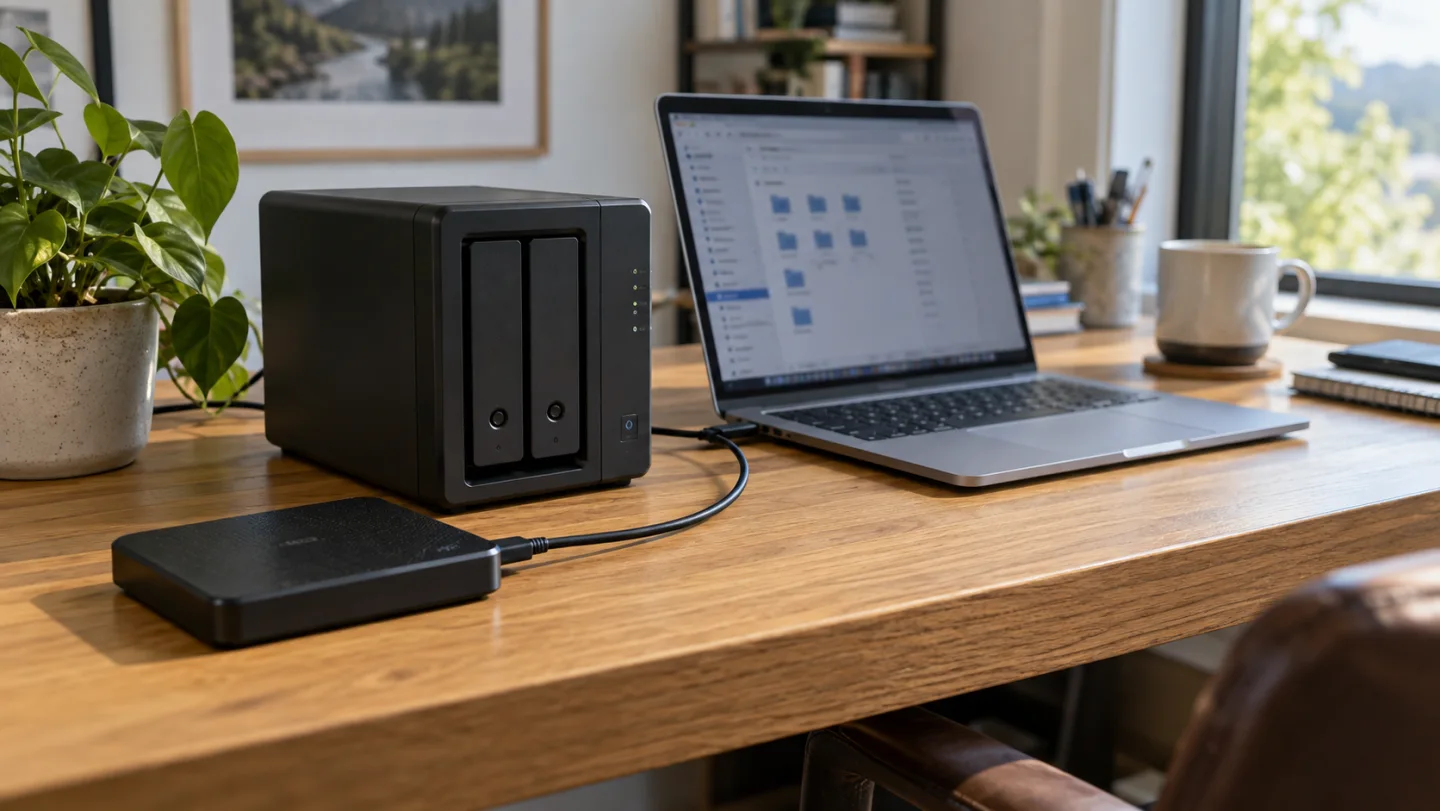
A backup plan starts with the files and recovery needs, rather than with a wizard in the NAS interface. The Synology DS218 is the device used as an example in the accompanying video. The planning method also helps you separate storage, sync and backup tasks without assuming that every NAS model has the same features.
Make an inventory before creating tasks
List each computer, phone, external drive and cloud location containing files you want to protect. For every location, name the important folders and the person responsible. Distinguish original working files from exported copies and temporary downloads. Backing up a folder that already contains only a partial export will not capture files that never reached that folder.
Estimate capacity and growth separately. Today's file total is a starting point; version history and future files may require more space. Check the exact software and drive compatibility for your device rather than assuming that instructions for a newer NAS apply unchanged.
Draw the direction of each transfer
A laptop sending a backup to the NAS is one arrow. The NAS sending a separate backup elsewhere is another. Two-way synchronisation should be labelled as sync, not silently treated as a historical archive. Decide whether changes and deletions propagate, and where older versions remain available.
For each arrow, record the source, destination, schedule, account and retention rule. This simple inventory prevents a common mistake: configuring a successful job that protects a different folder from the one you actually use.
Define the loss scenario
Ask what happens if the laptop disappears, if a file is overwritten and if the NAS itself is unavailable. For each case, identify the copy you would restore and the credentials needed. A mirrored volume can help with some disk failures, but it does not automatically answer all these recovery questions.
Keep the separate destination's shared risks visible. Another folder on the same volume is not independent of that volume. Another device in the same room may still share theft or damage risks. Choose the arrangement according to the events you need to handle.
Start with a small, replaceable test folder
Create a disposable text file and image, then run the proposed task against that folder. Confirm completion, find the stored version and restore it to a separate location. Open the restored files. If you need recovery of an earlier edit, test version selection as a separate step.
Write down the task name, date, destination, restored version and outcome. Do not use the only copy of a valuable document to experiment with deletion. The goal is to learn the process and prove that this sample can be recovered under the tested conditions.
Turn setup into an operating routine
Decide who reads failure notifications and what happens when a target is full. Put capacity review and sample restores on a recurring checklist appropriate to how the files change. A task that succeeded during installation can later stop matching your needs when folders, accounts or software change.
Keep recovery instructions somewhere accessible if the NAS is offline. Instructions and account access stored only on the failed device create another dependency. Record where to find the separate copy without publishing private credentials in the plan.
Understand what this guide verifies
This is a preparation and test method, not a report of a completed GKN Labs installation or a destructive recovery experiment. The device's published specifications help identify supported hardware features; your actual software version and configuration still need checking.
Read RAID versus backup for the protection distinction and NAS transfer speed when estimating the first copy. A fast transfer and a recoverable backup are separate acceptance checks.
Sources and scope
Related videos
The linked videos use Turkish narration. This article provides the English explanation of the same topic and assumptions.
Edited by GKN Labs. Editorial update: 4 November 2026. Cover and explanatory visuals are illustrative, not evidence of product testing or measurement.
Related
 Business
How Long to Upload 1 TB? Use Upload Speed, Not Download
Calculate 1 TB cloud upload time from Mbps, distinguish bits from bytes and account for daily operating hours, interruptions and real service limits.
 Business
NAS Electricity Cost: Calculate 24/7 Energy Use
Calculate annual NAS electricity use from watts or measured kWh, understand adapter ratings and add energy to a complete storage-cost comparison.
NAS vs Cloud Storage: Compare Three-Year Ownership Costs
Compare NAS and cloud storage with a three-year cost example, usable RAID capacity, electricity, backup requirements and a practical decision checklist.
Turkish narration. Plan a DS218 backup around file locations, separate copies, retention, restore checks and responsibility before creating automated tasks. Read the companion English guide for the same topic and assumptions.
Turkish narration. Plan a DS218 backup around file locations, separate copies, retention, restore checks and responsibility before creating automated tasks. Read the companion English guide for the same topic and assumptions.