
Why NAS Transfers Are Slow: Network, Disk and File Size
2026-11-03 · Updated: 2026-11-04 · 4 min read
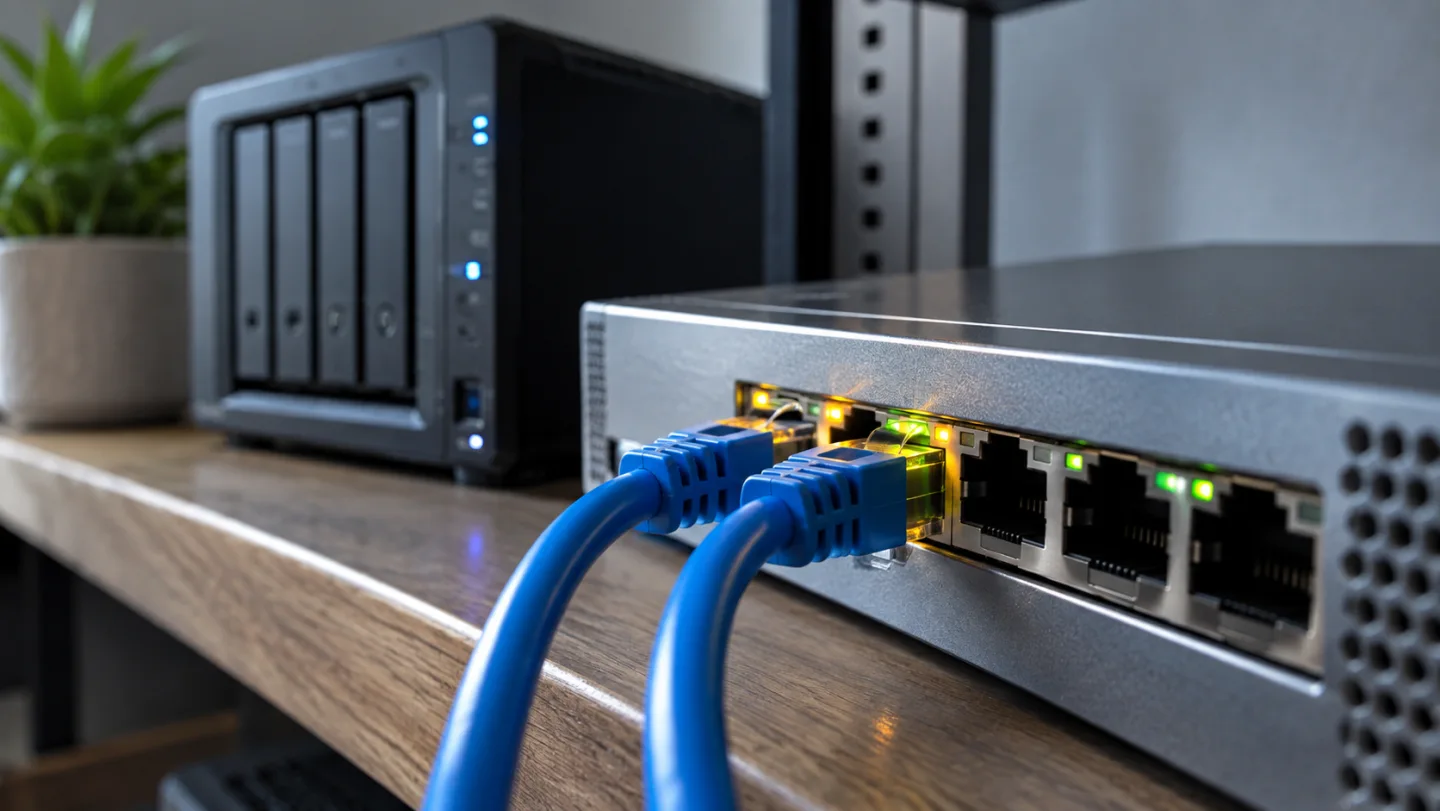
A NAS transfer uses a chain: source storage, the NAS, network links, the client and destination storage. The slowest relevant part can limit the result. Buying a faster disk before identifying that limit may leave the actual problem unchanged.
Convert the units before judging the speed
Network rates are often shown in megabits per second, or Mbps. File copy dialogs commonly show megabytes per second, or MB/s. One byte contains eight bits, so 1,000 Mbps divided by eight is 125 MB/s as a theoretical conversion. It is not a promise that a file copy will achieve 125 MB/s.
Protocol traffic, storage performance and other work can reduce useful throughput. MB and MiB are also different units. Record the unit used by each tool before comparing numbers that look similar on screen.
Measure a completed job
For a theoretical example, decimal 10 GB is 10,000 MB. At an assumed effective 100 MB/s, transfer time is 10,000 ÷ 100 = 100 seconds. The assumed rate is not a DS218 benchmark. A real test should record file size, start time and completion time.
An initial burst or a single screenshot does not describe the whole transfer. Calculate the average from the completed job, and note whether caching or concurrent tasks may have affected the result.
Separate large files from folder trees
A single large archive and thousands of small documents can behave differently. Use both if both represent your workload, but label them as separate cases. Do not compare a large video copied in one direction with a small-file folder copied in the opposite direction and attribute the difference entirely to the network.
Keep the source and destination the same while testing one change. Write down transfer direction, file group, connection type and other active work. Repeat the test sufficiently to see whether the result is stable, without treating repetition as a guarantee of future performance.
Establish a wired reference
Start with a suitable wired connection and inspect the negotiated link speed along the path. The port rating on one device is not proof that every link operates at that rate. Check the client, switch and cables before drawing conclusions from the NAS specification alone.
Then compare Wi-Fi using the same file group and direction. If performance changes only with the wireless path, investigate coverage, distance, interference and network use. A strong signal icon is not itself a completed-throughput measurement.
Look beyond the connection
If wired transfers are also slow, examine storage activity and background jobs. Indexing, another backup, encryption settings or an occupied destination can influence the workload. Record what you observe rather than assuming one cause from a slow number.
For the DS218 example, its published single 1GbE connection is a relevant boundary. It does not explain every low result, and it does not prove the disk or CPU was the bottleneck. Model specifications and actual measurements answer different questions.
Turn the result into an action
Keep a short table with baseline, changed variable, total bytes and elapsed time. If changing one cable restores the expected link rate and completed throughput improves, you have stronger evidence than a general impression that the NAS feels slow. If the result is unchanged, retain the record and inspect the next part of the chain.
Finally, verify that the copied sample opens correctly. Transfer speed alone does not prove that a backup is current or recoverable. Use the DS218 backup plan and cloud upload calculation for the other parts of a storage workflow.
Sources and scope
Related videos
The linked videos use Turkish narration. This article provides the English explanation of the same topic and assumptions.
Edited by GKN Labs. Editorial update: 4 November 2026. Cover and explanatory visuals are illustrative, not evidence of product testing or measurement.
Related
 Business
How Long to Upload 1 TB? Use Upload Speed, Not Download
Calculate 1 TB cloud upload time from Mbps, distinguish bits from bytes and account for daily operating hours, interruptions and real service limits.
 Business
NAS Electricity Cost: Calculate 24/7 Energy Use
Calculate annual NAS electricity use from watts or measured kWh, understand adapter ratings and add energy to a complete storage-cost comparison.

NAS vs Cloud Storage: Compare Three-Year Ownership Costs
Compare NAS and cloud storage with a three-year cost example, usable RAID capacity, electricity, backup requirements and a practical decision checklist.
Turkish narration. Diagnose slow NAS copies using Mbps versus MB/s, completed transfer times, wired comparisons and separate large-file and small-file tests. Read the companion English guide for the same topic and assumptions.
Turkish narration. Diagnose slow NAS copies using Mbps versus MB/s, completed transfer times, wired comparisons and separate large-file and small-file tests. Read the companion English guide for the same topic and assumptions.