
RAID Is Not Backup: Mirroring, Sync and File Recovery
2026-11-03 · Updated: 2026-11-04 · 4 min read
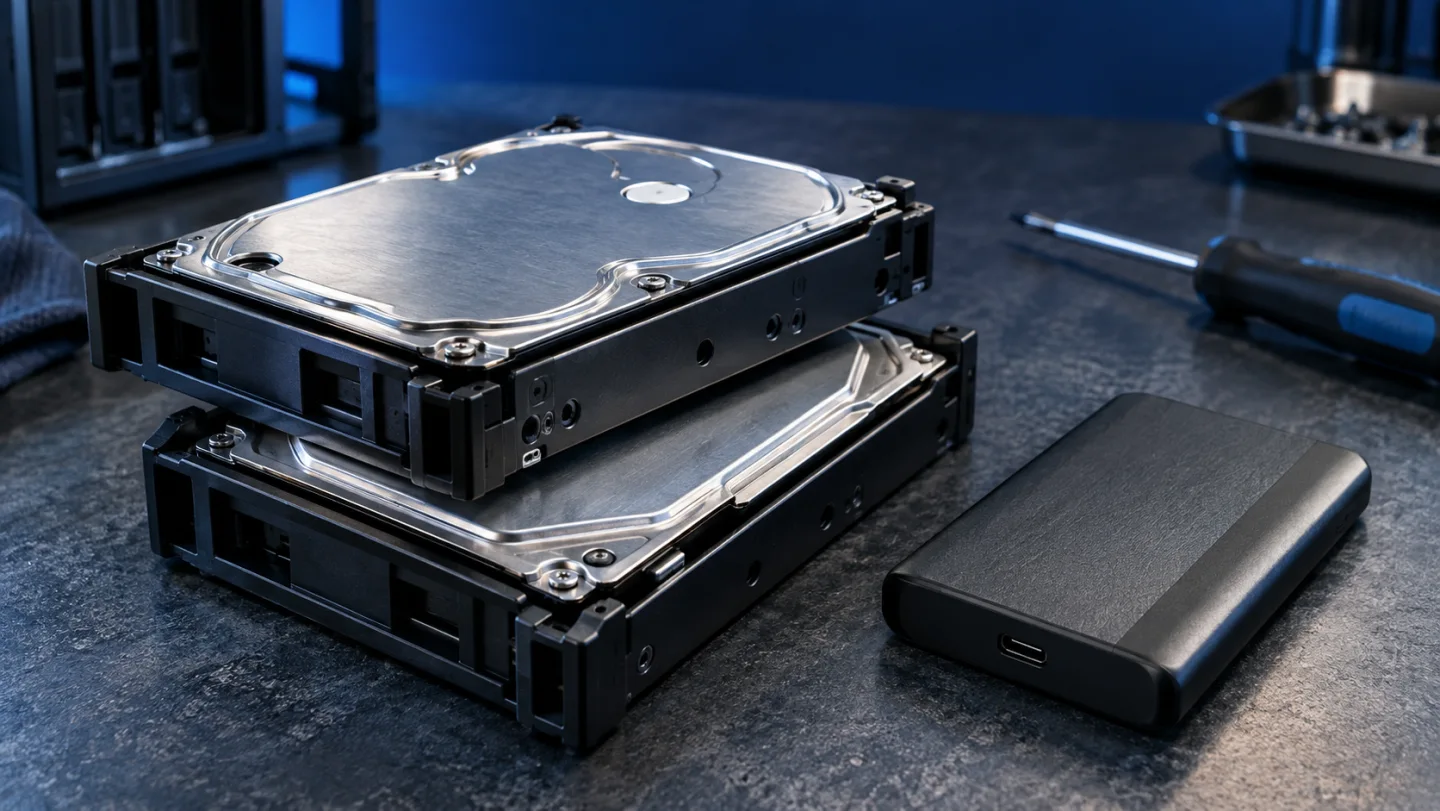
RAID and backup answer different questions. Redundancy can help a storage system keep operating after certain drive failures. A backup gives you another recoverable copy or version when something happens to the original. Having two disks in the same enclosure is not enough to show that both needs are covered.
Follow one file through the system
Imagine a document stored on a mirrored volume. You edit it, save it and later discover that the new content is wrong. Mirroring is designed to maintain the volume's current data across drives; a second disk is not automatically an untouched historical copy of the document.
Now imagine deleting the document. The important recovery question is whether a separately retained version exists and can be restored. A system may offer a recycle bin, snapshots or versioned backup, but those features must be configured and checked. Do not assume that the word RAID describes all of them.
Availability and recoverability need separate plans
Make a short list of events: one drive fails, the enclosure fails, a file is overwritten, credentials are stolen, or the device is lost. Against each event, name the copy you would use and how you would access it. This exposes shared dependencies that a drive count hides.
Two disks in one enclosure share risks such as theft and damage to the unit. A backup elsewhere may reduce some shared risks, but its account, power, access and retention arrangements still matter. No one location or storage label proves that every scenario is covered.
Sync is useful but requires its own checks
Synchronisation keeps selected locations aligned. Depending on the service and settings, deletion or unwanted edits may also propagate. Version history and retention can provide recovery options, but you need to know what is retained, for how long and under whose permissions.
Write down the direction of each task. A folder uploaded from a laptop to a NAS is different from a two-way synced folder. A separate backup of the NAS is another task again. Draw arrows and label whether they represent sync, a versioned backup or a manual copy.
Test recovery with disposable sample files
Create a small test folder containing a text file and an image you can safely replace. Run the intended backup task and check that it reports completion. In a separate test location, restore the file and open it with the relevant application. If the tool supports older versions, test that separately too.
Keep the original valuable files untouched during this exercise. The purpose is to learn the recovery process, destination and account requirements. Record the date, task name, selected version, restored location and whether the file opened correctly. A successful job log and a successful restore answer different questions.
Decide how much history and downtime are acceptable
Ask how much recent work you could afford to recreate and how long you could wait for access. These answers guide scheduling and recovery planning. A weekly copy may be inadequate for files that change every day, while a very frequent task is unhelpful if its destination is full or inaccessible.
Also assign responsibility. Someone needs to inspect failed-job notifications, capacity and restore results. A backup that was configured once but never checked can silently stop matching the original plan.
Include recovery in the purchase budget
When comparing a NAS with cloud storage, include a separate recovery arrangement on both sides. Counting two mirrored drives as the whole protection budget makes the hardware option appear more complete than it is. See NAS versus cloud costs and the DS218 planning checklist before choosing equipment.
This guide explains a method rather than reporting a destructive experiment on a GKN Labs device. The accompanying video illustrates the distinction; it does not prove a recovery outcome for your own configuration.
Sources and scope
Related videos
The linked videos use Turkish narration. This article provides the English explanation of the same topic and assumptions.
Edited by GKN Labs. Editorial update: 4 November 2026. Cover and explanatory visuals are illustrative, not evidence of product testing or measurement.
Related
 Business
How Long to Upload 1 TB? Use Upload Speed, Not Download
Calculate 1 TB cloud upload time from Mbps, distinguish bits from bytes and account for daily operating hours, interruptions and real service limits.
 Business
NAS Electricity Cost: Calculate 24/7 Energy Use
Calculate annual NAS electricity use from watts or measured kWh, understand adapter ratings and add energy to a complete storage-cost comparison.

NAS vs Cloud Storage: Compare Three-Year Ownership Costs
Compare NAS and cloud storage with a three-year cost example, usable RAID capacity, electricity, backup requirements and a practical decision checklist.
Turkish narration. Understand what RAID protects, why deletion can affect mirrored files, how sync differs from backup and how to plan a small recovery check. Read the companion English guide for the same topic and assumptions.
Turkish narration. Understand what RAID protects, why deletion can affect mirrored files, how sync differs from backup and how to plan a small recovery check. Read the companion English guide for the same topic and assumptions.