
Slow USB-C Transfers: Charging Power Is Not Data Speed
2026-11-03 · Updated: 2026-11-04 · 3 min read
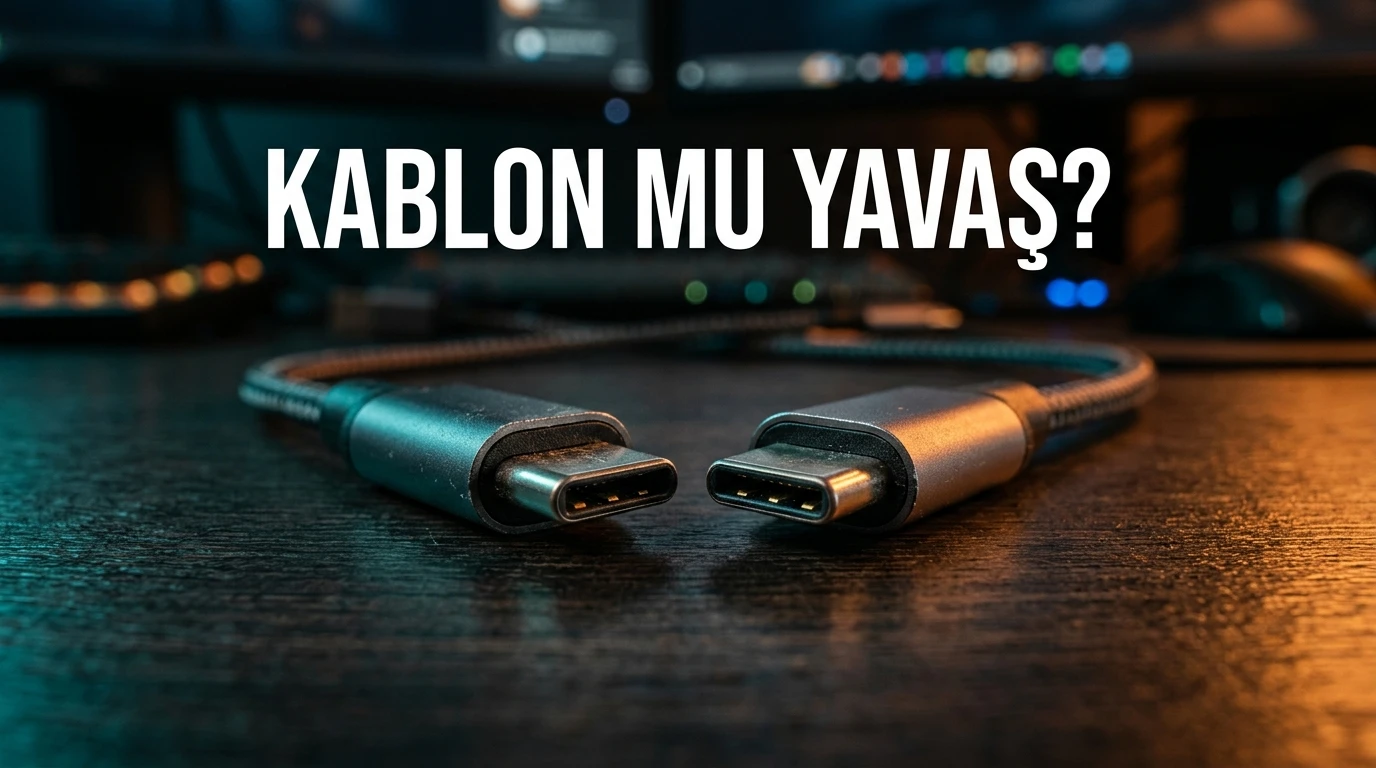
A USB-C connector does not tell you every capability of the cable behind it. A cable can charge your phone adequately while limiting a data transfer. To investigate a slow copy, check the cable, both devices and the ports as a complete path.
Connector shape is only the beginning
Power delivery, data rate and display support are separate capabilities. A charging wattage on a product listing does not establish the data rate you need. Read the actual cable and device specifications rather than inferring performance from a matching plug.
USB-IF explains that cables are certified for different purposes and do not all have the same capabilities. A more capable cable also cannot add a missing feature to the devices at either end. The supported path depends on the relevant requirements being met throughout the chain.
Convert the advertised rate carefully
One byte contains eight bits. A theoretical 480 Mbit/s rate converts to 60 MB/s before considering useful transfer overhead and other limits. It is not a guaranteed 60 MB/s file copy.
For example, decimal 6 GB is 6,000 MB. At an assumed effective 30 MB/s, completion would take 200 seconds. That is an arithmetic example, not a measurement of a cable or phone. Keep decimal MB and binary MiB distinct when comparing tools.
Build a baseline with one file group
Use a non-sensitive sample large enough for a meaningful timing comparison. Record total size, source, destination, port and elapsed time. Keep the transfer direction the same. A phone-to-computer copy and the reverse direction can involve different storage behaviour.
Repeat using another documented suitable cable while keeping the devices and ports unchanged. If you also change the computer, port and file set, an improved result does not isolate the cable. Preserve the baseline so you can compare completed jobs rather than initial bursts.
Check the rest of the path
A faster cable will not overcome a slower device port or storage limit. A hub or adapter may introduce another boundary. Identify the exact ports used and consult their specifications; visually identical ports can support different functions.
Also note whether either device is doing other work. A background copy or busy destination can change the observed result. Avoid treating every slow run as proof of a defective cable.
Keep charging and display questions separate
If a laptop charges from a monitor but loses battery under load, that is primarily a power-budget question. It does not follow that the data cable is necessarily slow. The USB-C monitor charging guide covers that separate diagnosis.
Likewise, charging does not prove that a vehicle's projection interface will work through the same port. The required data and compatibility conditions still apply. See the CarPlay and Android Auto checklist for that use case.
Questions to answer before buying
What data rate do both devices support? Is the intended port documented for that rate? Does the cable explicitly support the required data capability as well as the necessary power? Is a hub or adapter in the path? These questions are more useful than choosing by wattage alone.
The accompanying video demonstrates the distinction between charging and data capability. This guide provides a repeatable comparison method and does not claim laboratory certification or a guaranteed throughput result for your equipment.
Sources and scope
Related videos
The linked videos use Turkish narration. This article provides the English explanation of the same topic and assumptions.
Edited by GKN Labs. Editorial update: 4 November 2026. Cover and explanatory visuals are illustrative, not evidence of product testing or measurement.
Related
 Business
How Long to Upload 1 TB? Use Upload Speed, Not Download
Calculate 1 TB cloud upload time from Mbps, distinguish bits from bytes and account for daily operating hours, interruptions and real service limits.
 Business
NAS Electricity Cost: Calculate 24/7 Energy Use
Calculate annual NAS electricity use from watts or measured kWh, understand adapter ratings and add energy to a complete storage-cost comparison.
NAS vs Cloud Storage: Compare Three-Year Ownership Costs
Compare NAS and cloud storage with a three-year cost example, usable RAID capacity, electricity, backup requirements and a practical decision checklist.
Turkish narration. Understand why a USB-C cable can charge quickly but transfer slowly, convert 480 Mbit/s to MB/s and test the cable without changing everything else. Read the companion English guide for the same topic and assumptions.