
Choosing a MacBook for Battery Life, Display and Real Work
2026-11-03 · Updated: 2026-11-04 · 3 min read
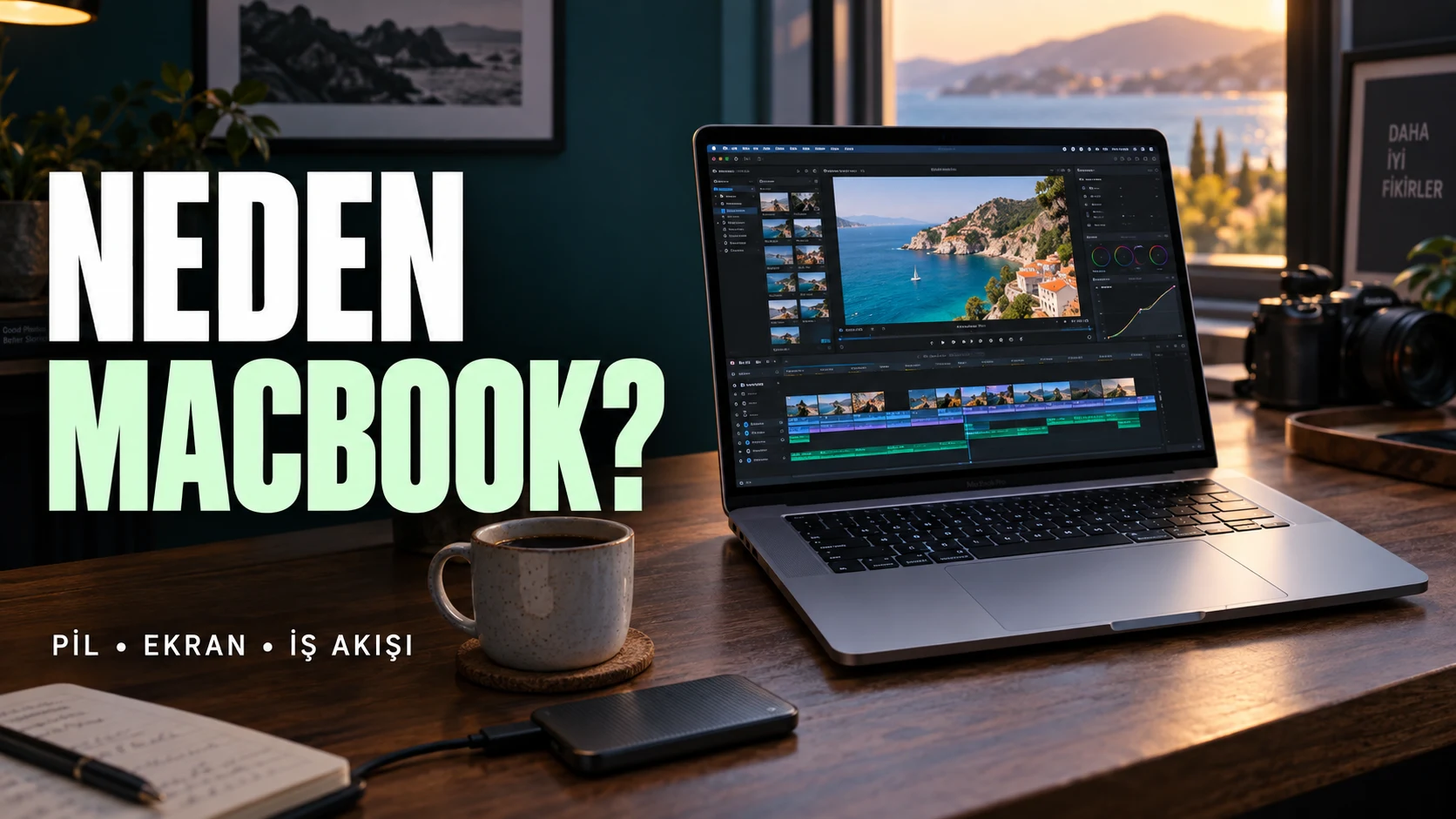
A useful MacBook comparison begins with the applications and work you need to finish. Battery life, display quality and performance matter in different proportions for a developer, editor or travelling office user. A model that wins a specification comparison can still be the wrong tool for a particular workflow.
Define the working day
List the tasks you perform away from power, the software you rely on and the accessories you connect. Separate short interactive work from long exports or builds. An advertised battery result from one workload cannot be assumed to describe every combination of applications, brightness and connections.
Estimate how often you actually work unplugged. If most demanding work happens at a desk with external equipment, portability and sustained performance may matter differently from all-day battery operation. Keep the whole setup in view rather than comparing the laptop in isolation.
Developers should verify the toolchain
Check the exact languages, IDEs, containers, virtual machines and dependencies used by your project. Confirm platform compatibility before choosing based on processor naming. A fast machine does not remove an unsupported dependency or a workflow requirement for another operating system.
Use a representative project if a trial is possible. Note build duration, memory pressure, external display needs and the behaviour of your normal tools. Synthetic scores can be useful context, but completing your own task is a more direct test of suitability.
Content creators should test source material
Use footage with the formats, resolution and effects you actually edit. A smooth simple timeline does not establish how a heavier project will behave. Check playback, export, storage use and application support as distinct parts of the workflow.
Memory and storage choices should reflect the project, working files and software requirements. Do not assume a model's headline capability makes every configuration equivalent. Keep backup and external storage spending in the same purchase plan.
Evaluate the display in its intended role
Think about text, photographs, timeline space and whether you work indoors or in bright environments. The panel's published specifications are useful, but the relevant outcome is whether you can comfortably complete your work. External-monitor use changes how much weight to give the built-in screen.
Colour-sensitive work also requires an appropriate workflow. A display description alone does not prove that a finished export will look identical on every other device. Keep source, application and output expectations consistent.
Compare Air and Pro by workload
Avoid treating one family as the universal choice. Portability and ordinary interactive tasks may lead to one decision; sustained processing, connectivity or a particular display need may lead to another. Compare exact configurations and current technical documentation rather than family names alone.
Ask what a more expensive configuration changes in the task you repeat most. If the benefit cannot be connected to a real workload or constraint, record that uncertainty before paying for it.
Include the operating setup
Check ports, adapters, the required charger and the monitors you intend to use. With USB-C monitor charging, the power budget also matters; see why a charging laptop can still lose battery.
This guide and video provide a decision method, not a benchmark claiming a measured number of unplugged hours or universal application stability. Read the exact model's current specifications and test your essential workflow where possible. The best choice is the configuration that meets your requirements with a clear explanation for its cost.
Sources and scope
Related videos
The linked videos use Turkish narration. This article provides the English explanation of the same topic and assumptions.
Edited by GKN Labs. Editorial update: 4 November 2026. Cover and explanatory visuals are illustrative, not evidence of product testing or measurement.
Related
 Business
How Long to Upload 1 TB? Use Upload Speed, Not Download
Calculate 1 TB cloud upload time from Mbps, distinguish bits from bytes and account for daily operating hours, interruptions and real service limits.
 Business
NAS Electricity Cost: Calculate 24/7 Energy Use
Calculate annual NAS electricity use from watts or measured kWh, understand adapter ratings and add energy to a complete storage-cost comparison.

NAS vs Cloud Storage: Compare Three-Year Ownership Costs
Compare NAS and cloud storage with a three-year cost example, usable RAID capacity, electricity, backup requirements and a practical decision checklist.
Turkish narration. Choose a MacBook by application compatibility, memory needs, unplugged work, display use and sustained workloads rather than a specification ranking. Read the companion English guide for the same topic and assumptions.